
Authentication
Th Authentication module allows users to securely access the platform through Sign In and Register functionalities. This ensures that only verified users can access personalized features and account-related data.
Sign In
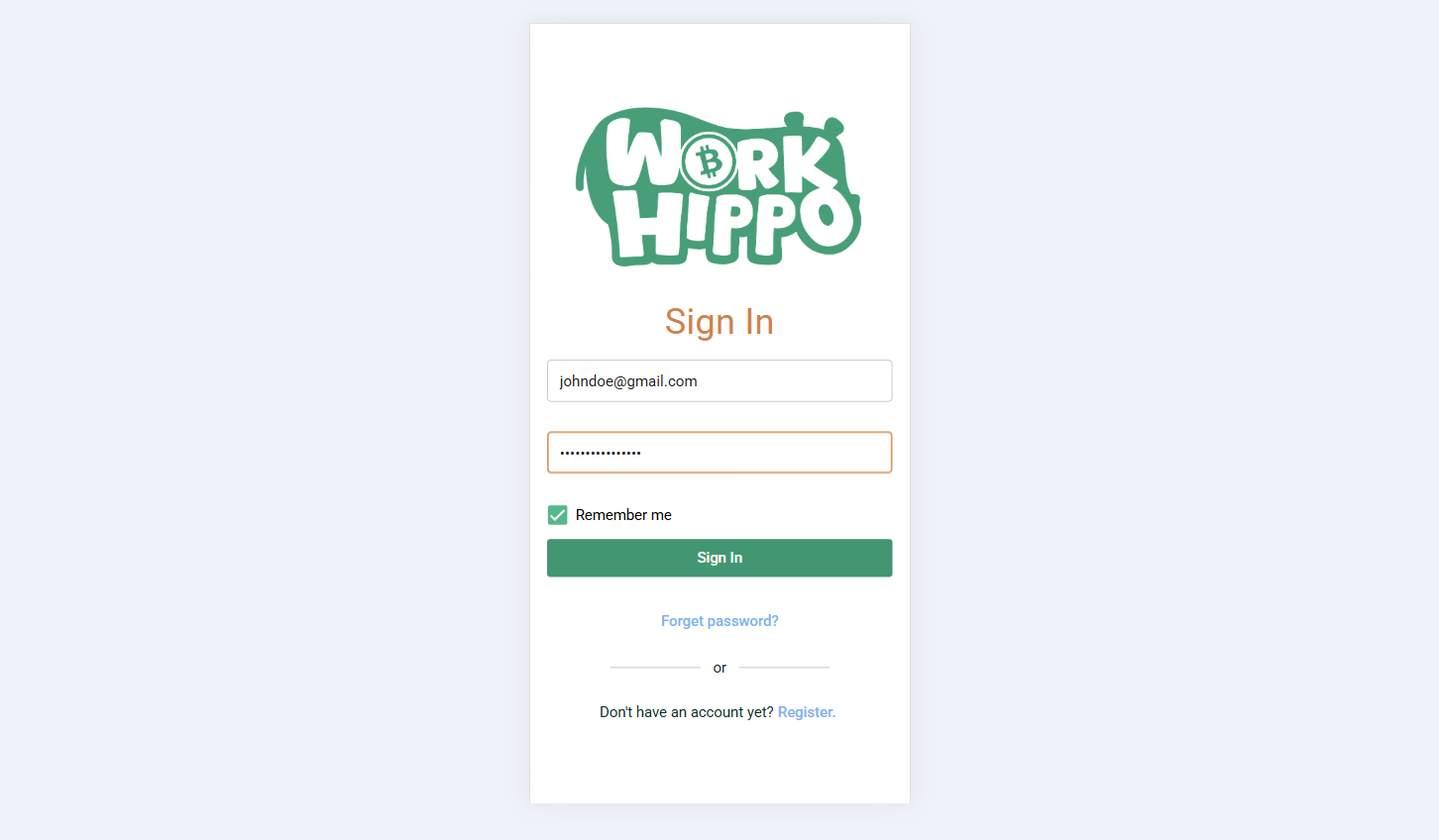
The Sign In feature allows existing users to access their accounts using their registered credentials.
Inputs
Users are required to provide the following:
- Email: The email address registered with the account.
- Password: The password associated with the account.
- Remember Me: Optional; allows the user to remain signed in on the device for future sessions.
Screenshot:
Sign in form
Navigation Links
Sign In also provides quick access to related actions:
- Forgot Password: Redirects to the password recovery process if the user has forgotten their password.
- Register: Redirects to the registration screen for users who do not yet have an account.
Sign In Process
- Enter your registered Email and Password.
- Optionally, select Remember Me to stay signed in.
- Click Sign In.
- If the credentials are valid, you will be redirected to the dashboard or the main landing screen.
Register
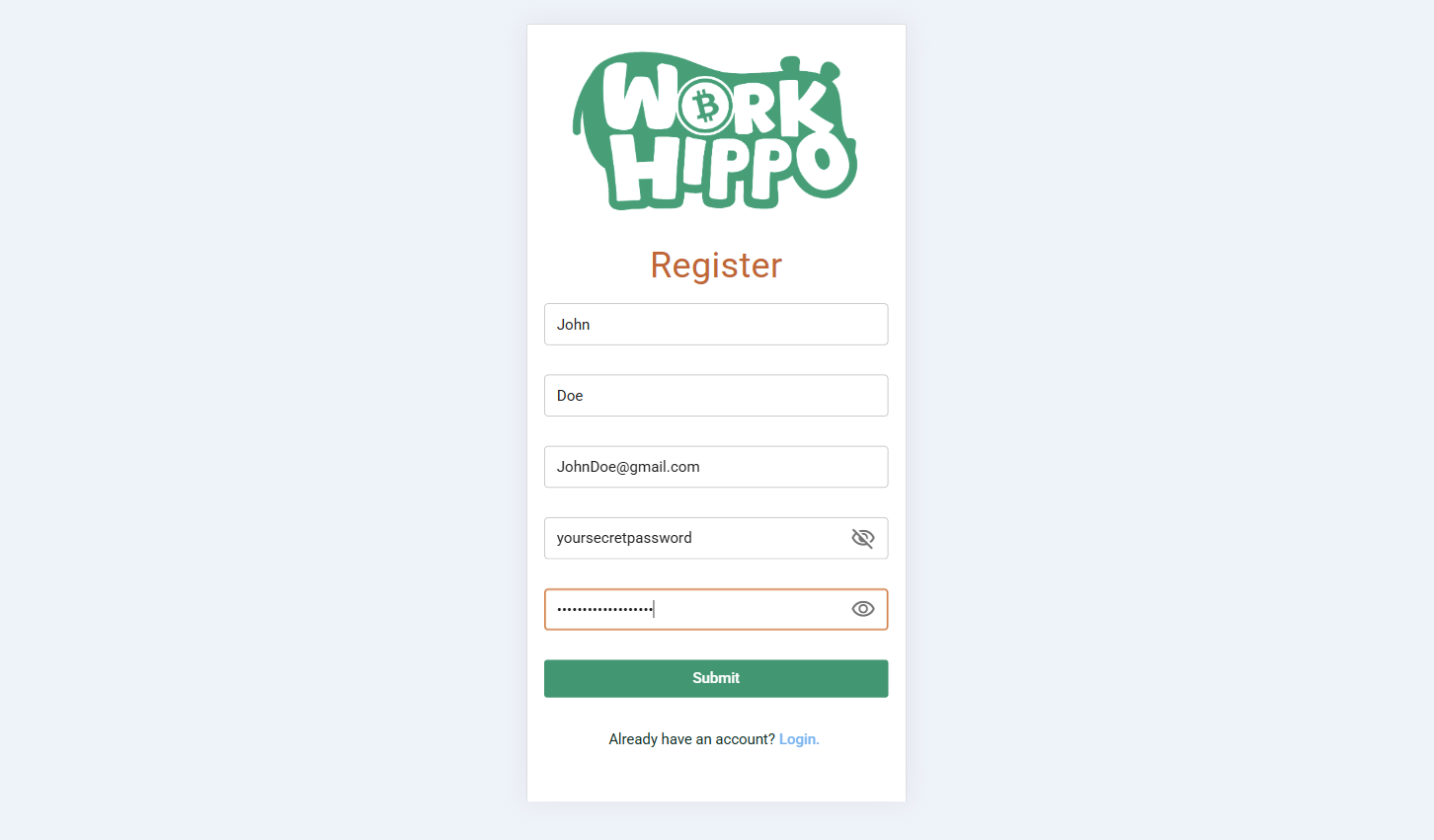
The Register feature allows new users to create an account and gain access to the platform.
Inputs
To create an account, users must provide:
- Firstname: Your given name.
- Lastname: Your family name or surname.
- Email: A valid email address that will be used for account verification and login.
- Password: A secure password for the account.
- Confirm Password: Re-enter your password to confirm it matches the original.
Screenshot:
Registration form
Registration Process
- Complete all required fields in the registration form.
- Submit the form to create your account.
- Account Verification: After successful registration, a verification email will be sent from WorkHippo Admin.
- Check your email inbox (and spam folder if necessary) for the verification email.
- Follow the instructions in the email to verify your account.
- After successful verification, your account is ready for Sign In.
Notes
- Ensure that the email provided during registration is valid, as it is used for account verification and password recovery.
- Use a strong password to maintain account security.