
Job Management (Client)
Overview
The Job Management feature enables clients to create, publish, monitor, and manage job postings throughout their lifecycle—from creation to completion. It provides organized job listings, applicant tracking, and flexible payment configurations to support both milestone-based and project-based engagements.
Job Management Tabs
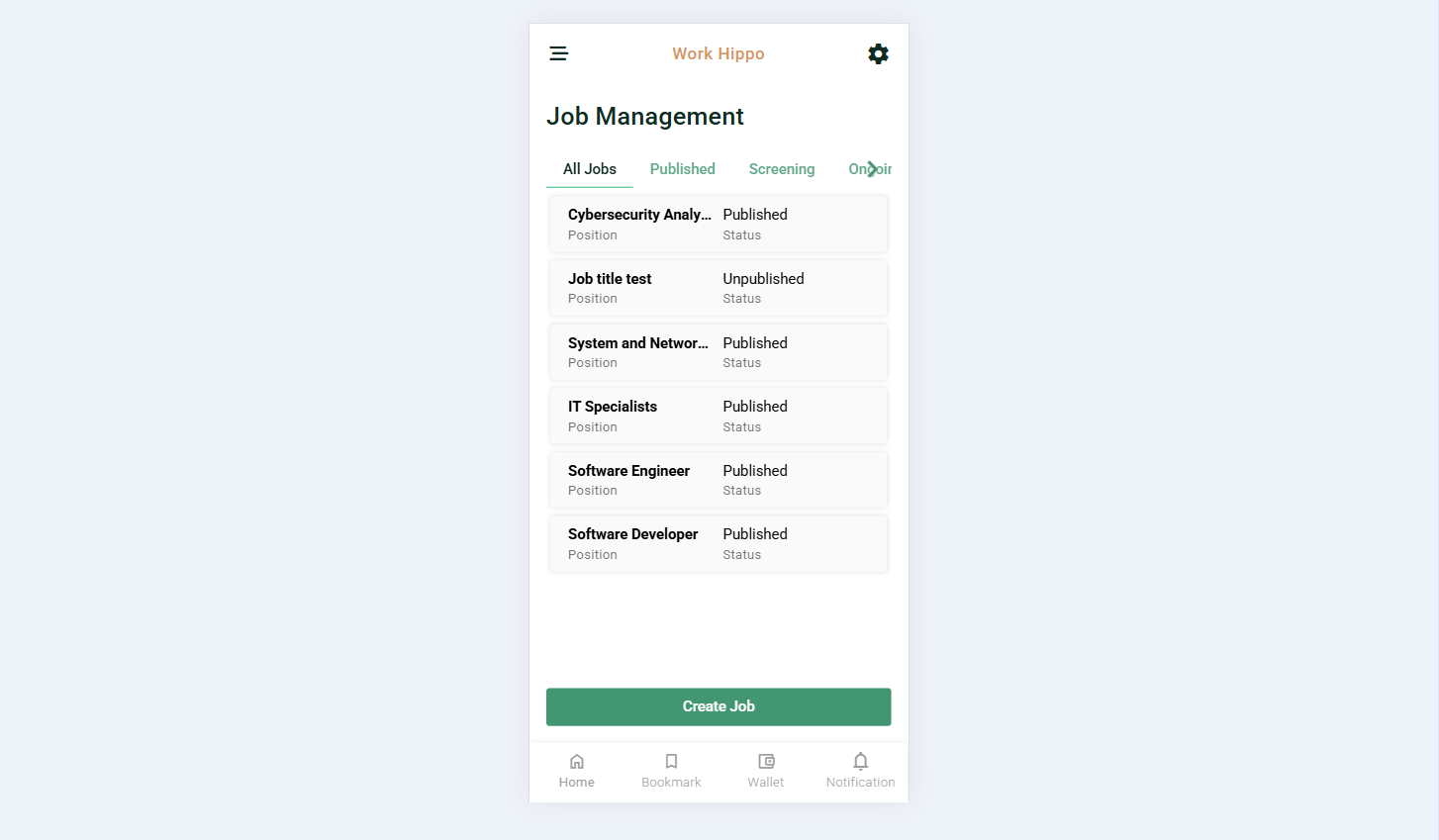
The Job Management page is divided into multiple tabs to help clients easily track the status of their jobs.
All Jobs
Displays a list of all jobs created by the client, regardless of their current status. This serves as the central overview of all job postings.
Published
Shows all jobs that have been published and are publicly available for freelancers to view and apply to.
Screening
Lists all jobs that currently have applicants. This tab allows clients to review proposals and evaluate potential candidates.
Ongoing
Contains jobs where a freelancer has been hired and the project is actively in progress.
Completed
Displays all jobs that have been successfully finished and marked as completed.
Screenshot:
Create Job Action
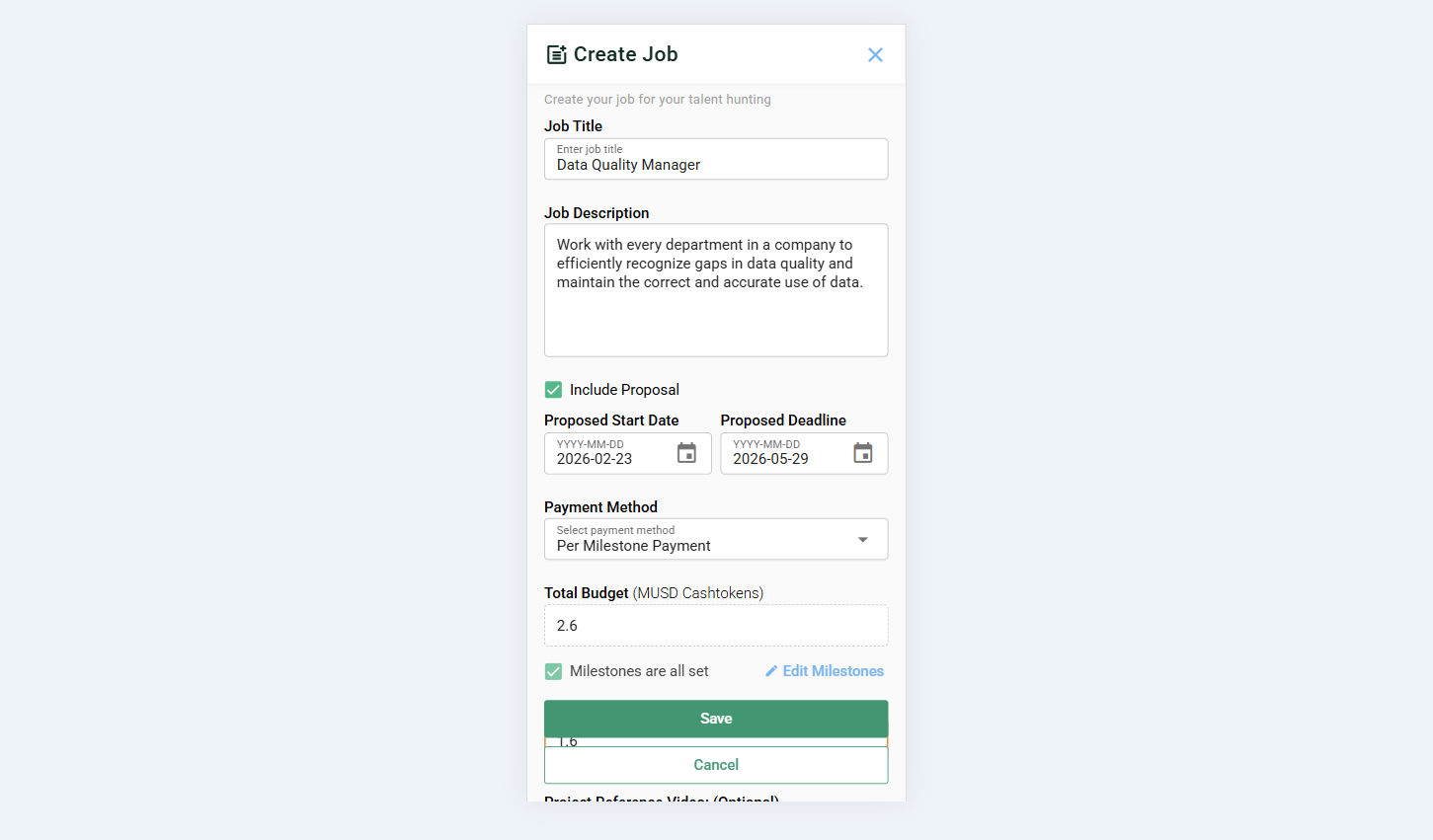
Clients can create a new job using the Create Job action button. This opens a job creation form with the following inputs and configuration options.
Job Details
- Position / Title Needed
Defines the role or job title being offered. - Description
Provides a detailed explanation of the job requirements, scope, and expectations.
Screenshot:
Payment Method Options
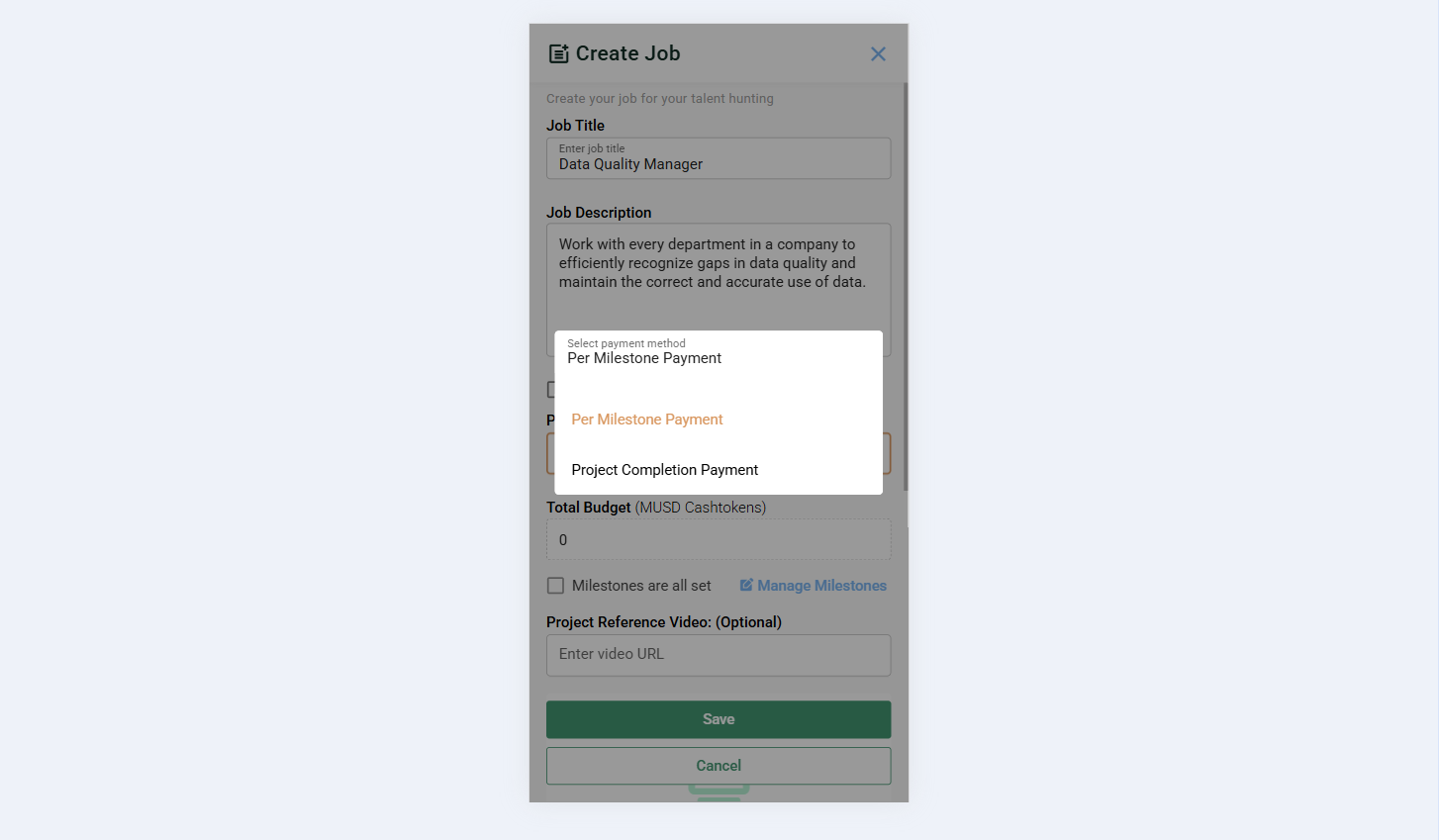
Clients must select one of the following payment methods:
- Per Milestone Payment
Payment is divided into multiple milestones, each with its own amount and deadline. - Project Completion Payment
A single payment is released upon completion of the entire project.
Screenshot:
Proposal Creation (Optional)
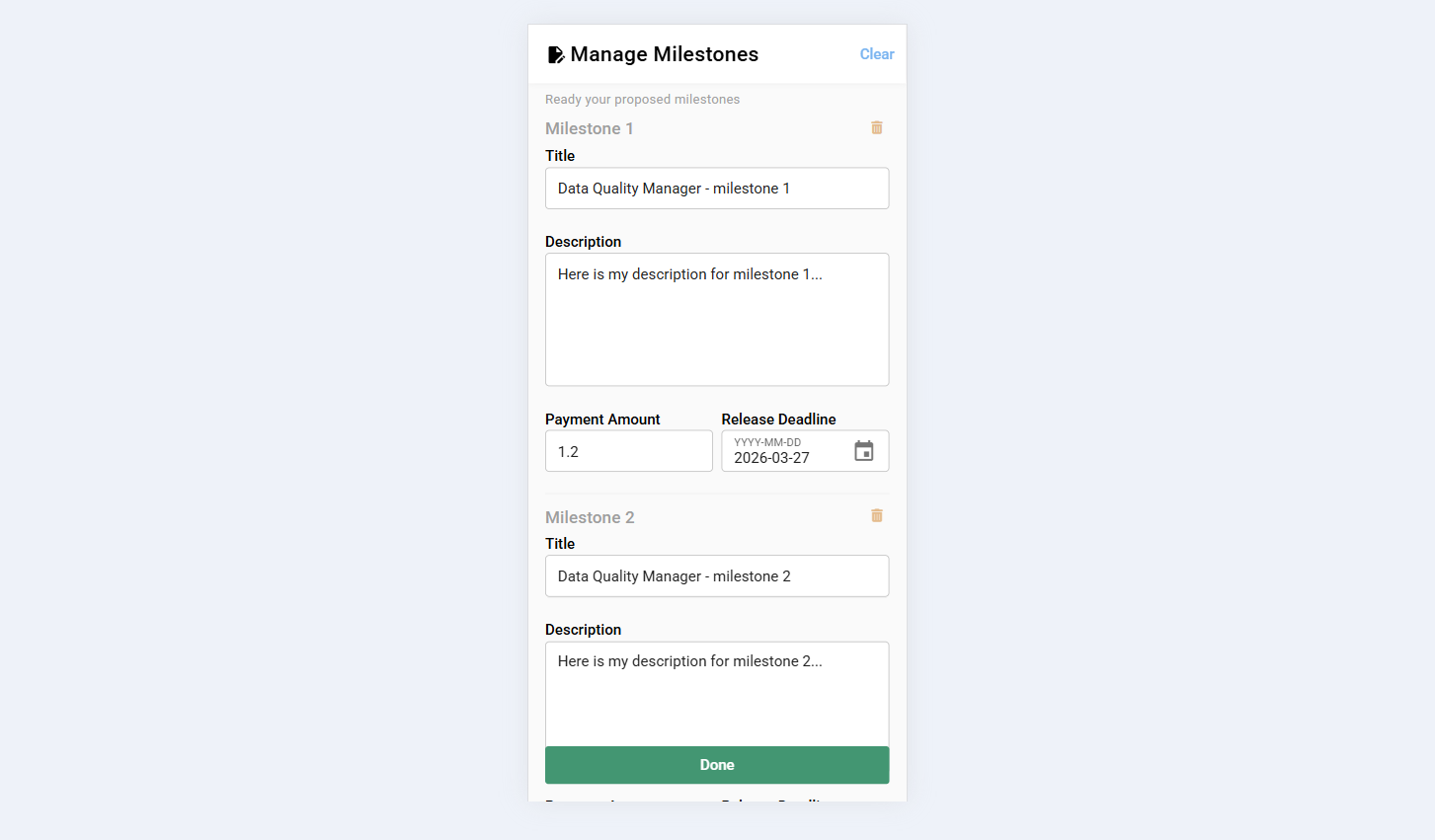
Clients may create a proposal during job creation.
- If Per Milestone Payment is selected, clients can add any number of milestones.
- If Project Completion Payment is selected, a default proposal is applied.
Each proposal or milestone includes:
- Title
- Description
- Payment Amount (MUSD CashTokens)
- Release Deadline
Screenshot:
Proposal and Project Timeline
- Proposal Start Date
Indicates when the proposal becomes active. - Proposal Deadline
Defines the final date for proposal validity or submission.
Screenshot:
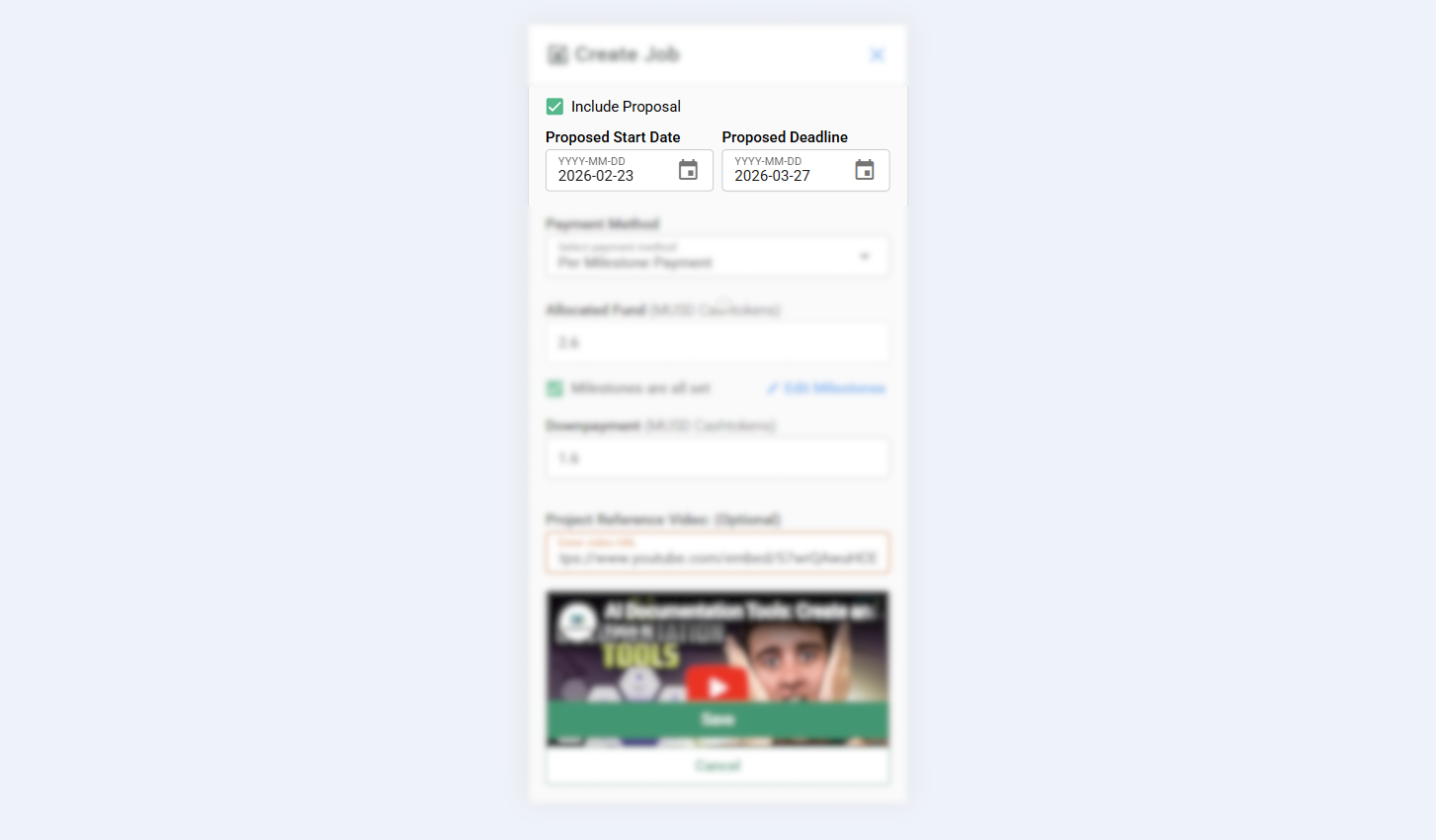
Payment-Related Fields
- Allocated Fund
This value is automatically derived from the total amount of all milestones or manually set if project completion. - Proposed Project Deadline
Applicable only for project completion payment, defining the expected project end date. - Downpayment
Set to any percent of the total payment amount.
Screenshots:
Per Milestone Payment
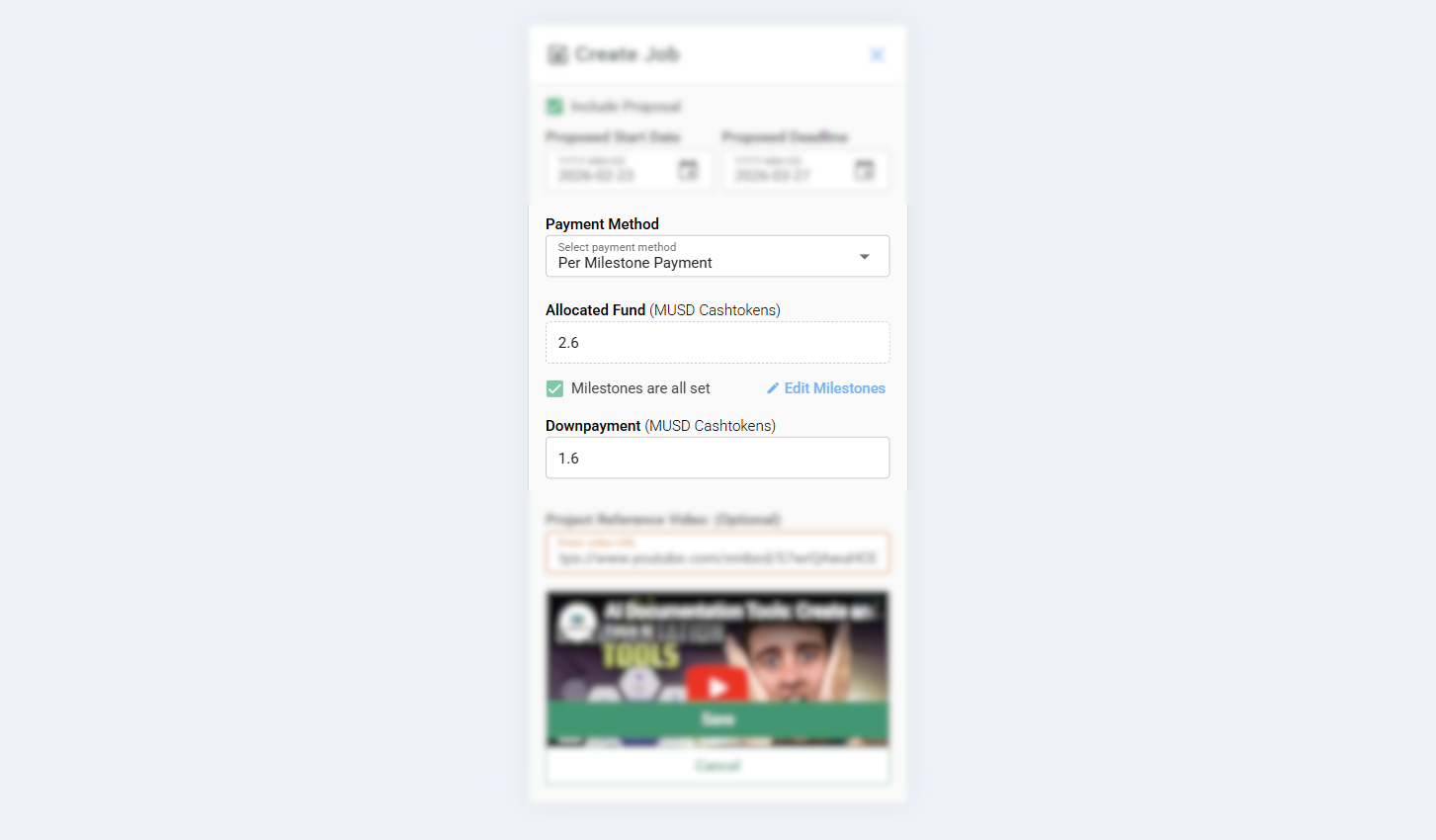
Project Completion Payment
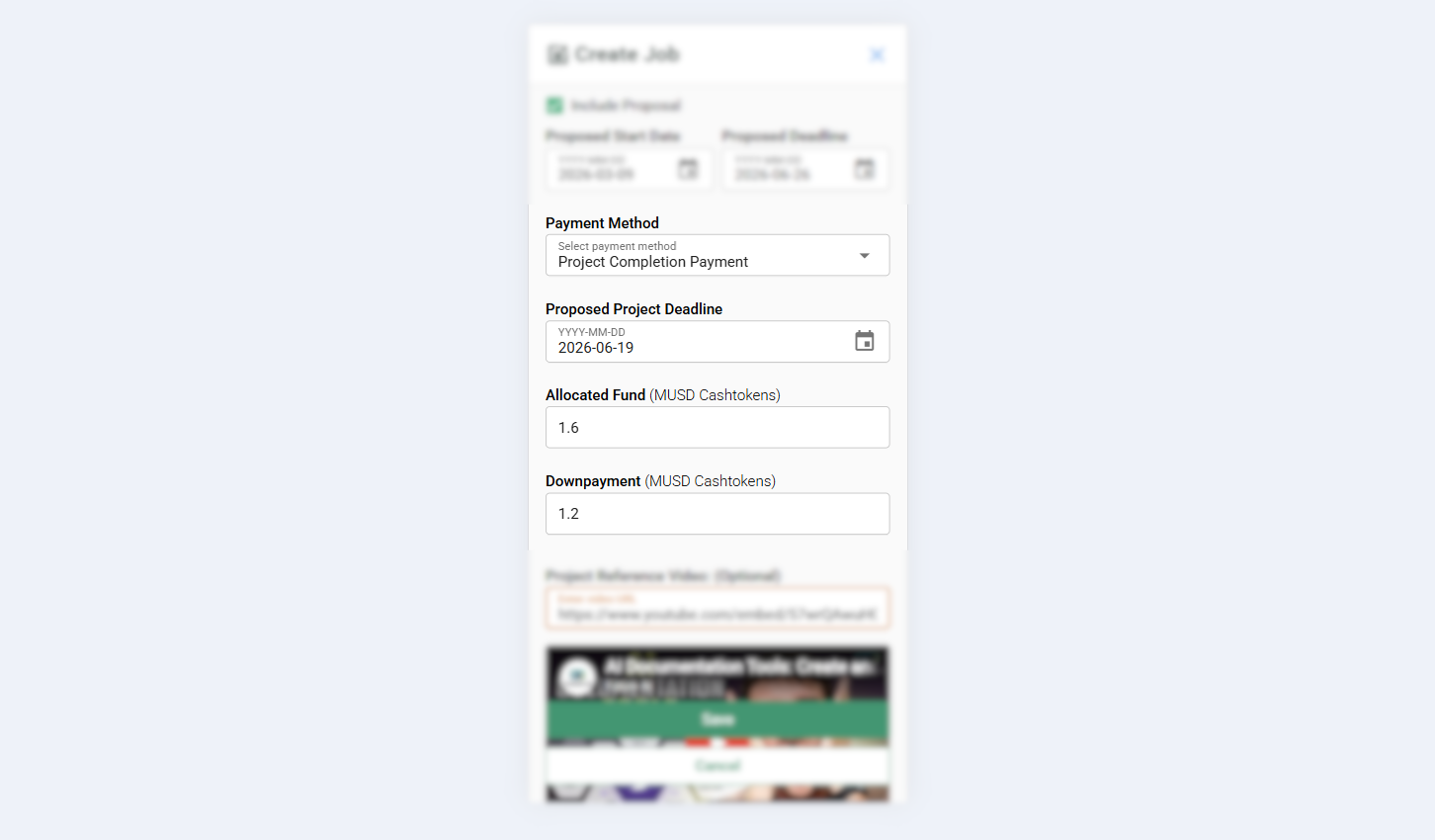
Project Reference Materials
Clients may provide supporting materials to help freelancers better understand the project:
- Project Reference Video
- Project Reference PDF File
- Project Reference Link
Summary
The Job Management feature gives clients full control over job postings, payments, and project progress. With clear job categorization, flexible payment structures, milestone support, and reference materials, clients can efficiently manage projects from posting to completion.