
Settings
The Settings section allows users to manage their account details, configure wallet preferences, and enhance security. It is designed to give users full control over personal information, wallet behavior, and transaction protection.
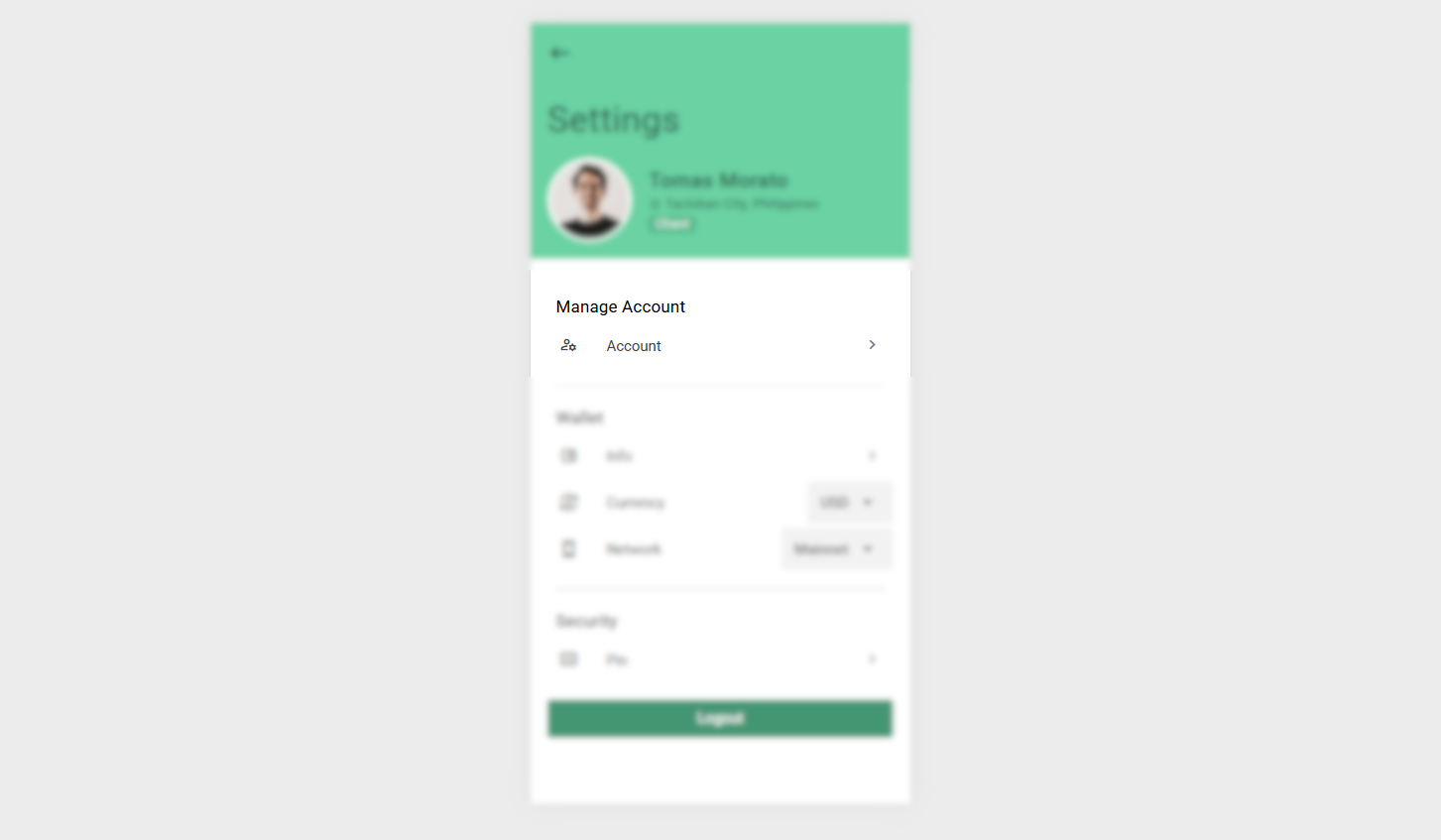
Manage Account
The Manage Account section provides access to core account information and credentials.
Actions
- Account
Redirects the user to the Account screen where essential account details are displayed and managed.
Screenshot:
Account Screen
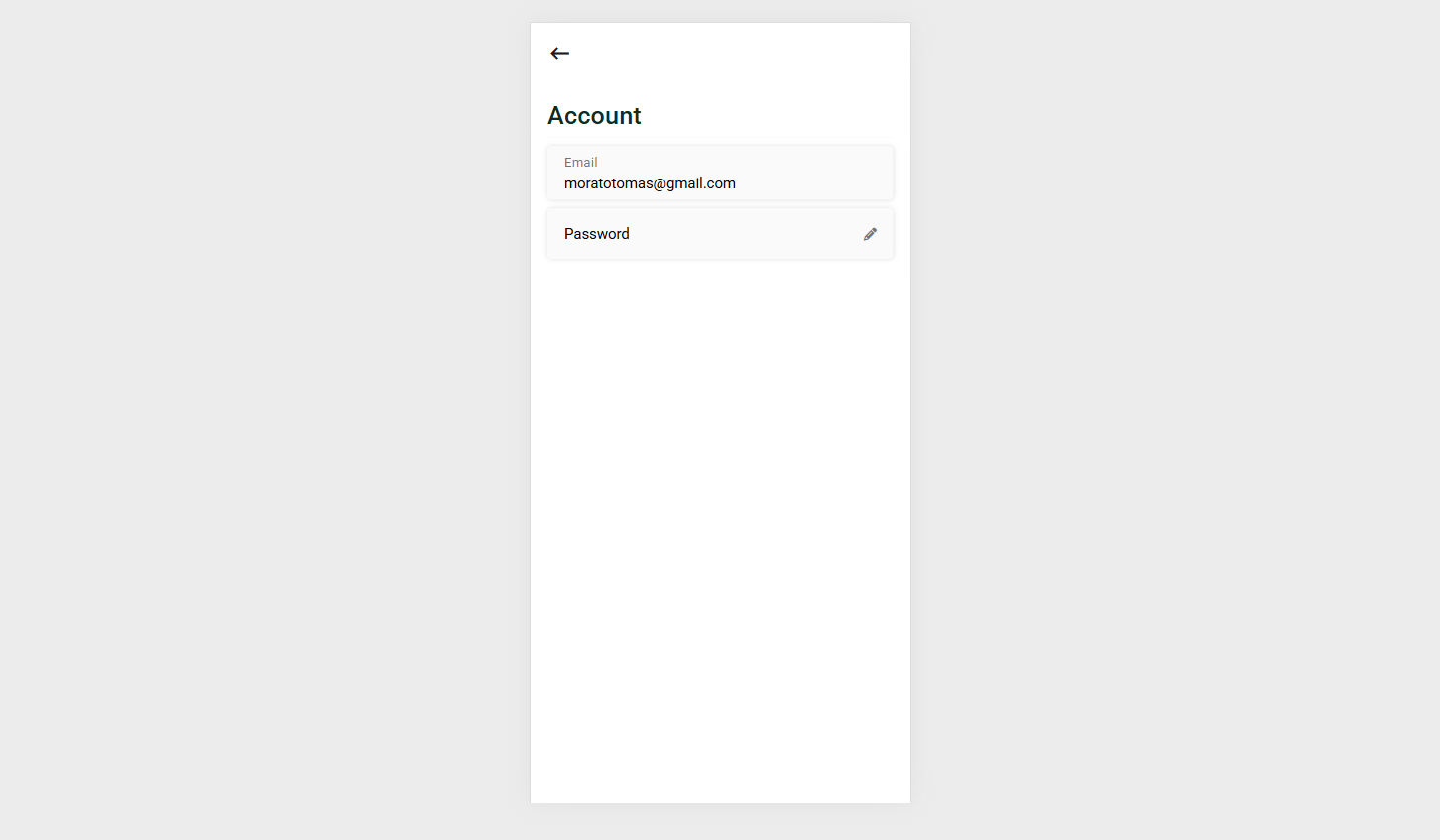
The Account screen contains the following information:
Email
Displays the registered email address associated with the account. This field is read-only and cannot be edited.Password
Allows the user to update their account password. This field is editable and should follow the platform’s security requirements.
Screenshot:
Wallet
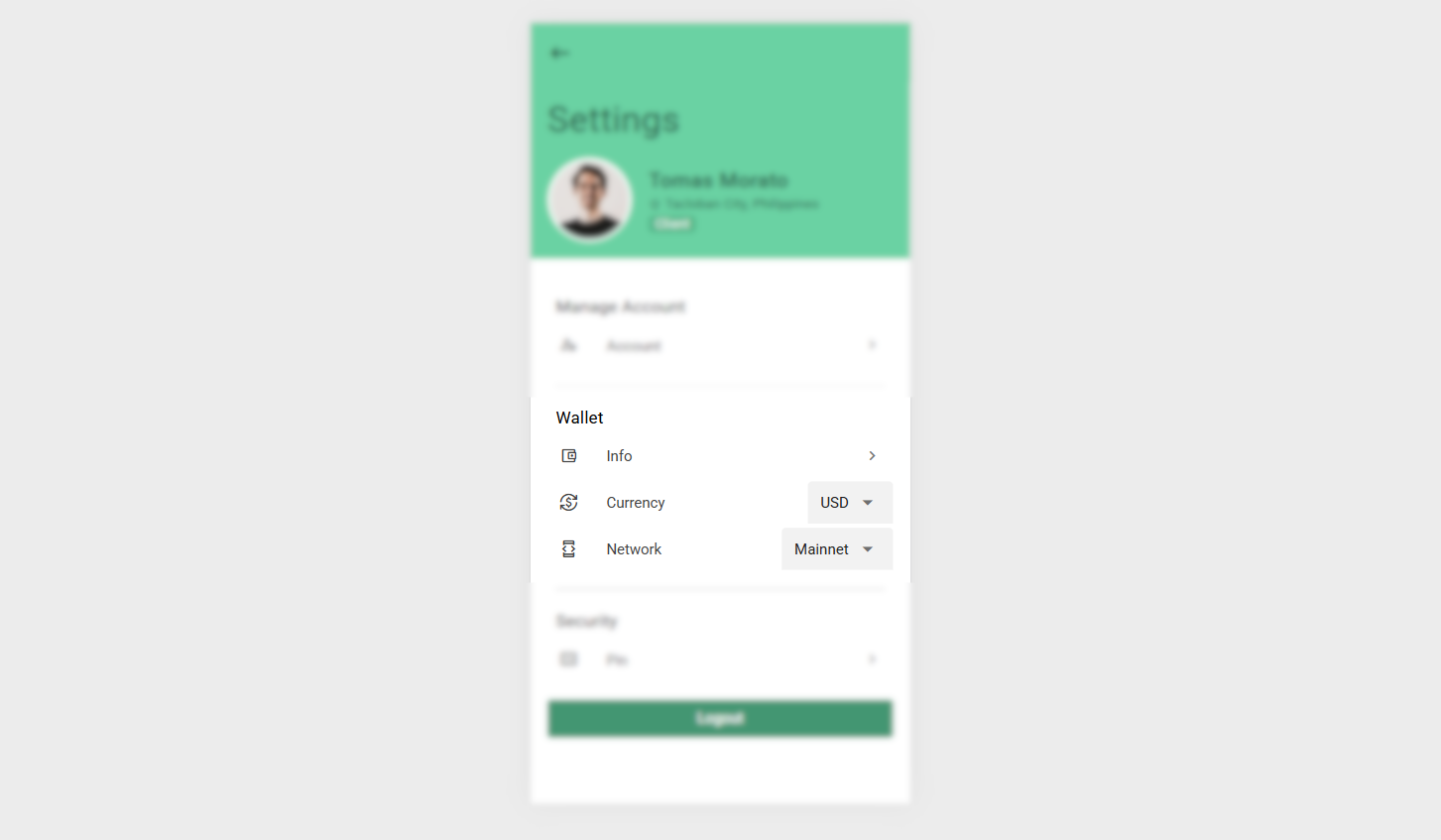
The Wallet section allows users to configure wallet-related preferences and view technical wallet information.
Actions
Info
Redirects to the Wallet Info screen, where detailed wallet information is displayed.Currency
Opens a list of supported fiat currencies. The selected currency is used as a reference for cryptocurrency value conversion.Network
Opens a list of supported networks that can be selected for Bitcoin Cash (BCH) transactions.
Screenshot:
Wallet Info Screen
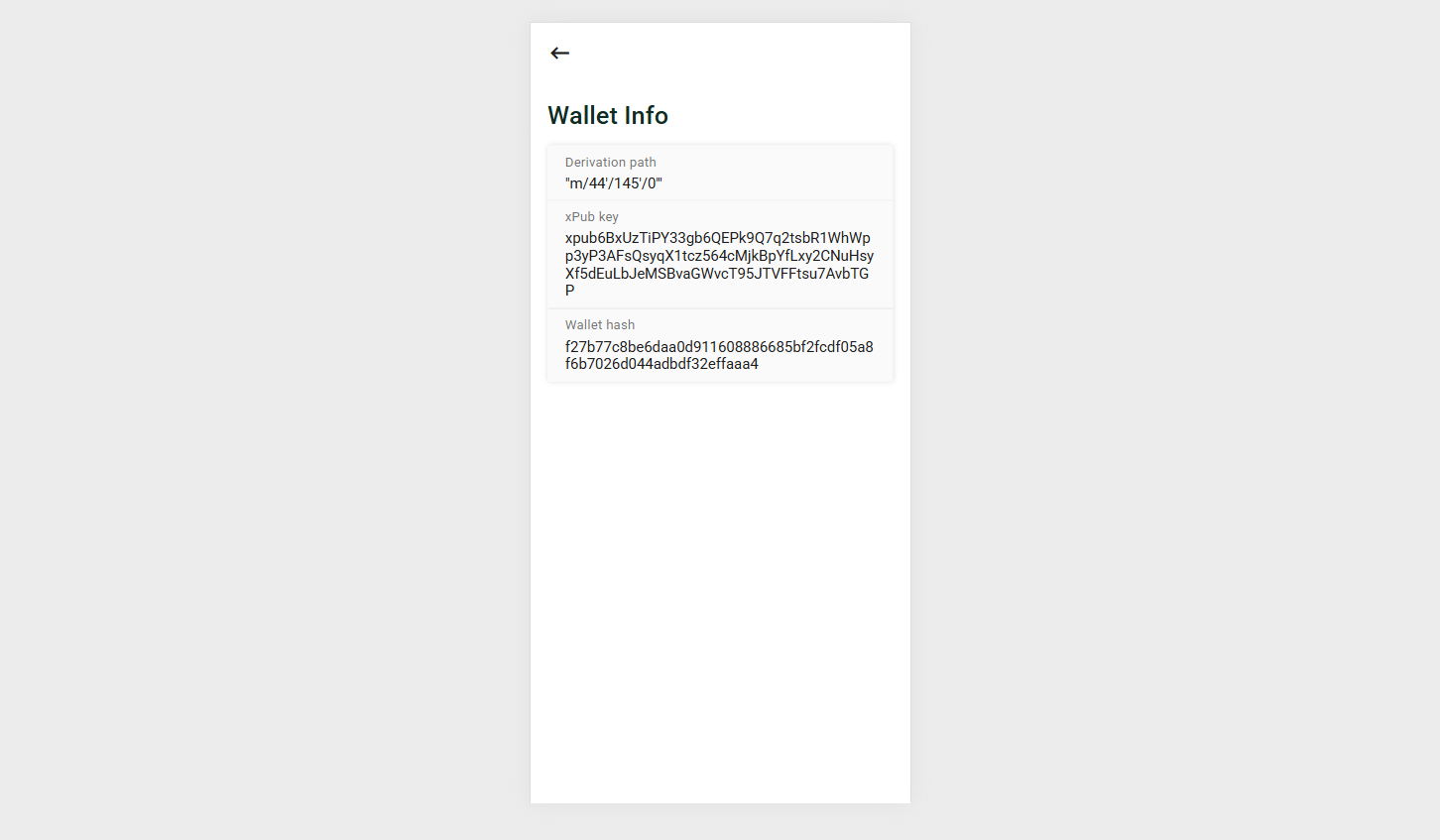
The Wallet Info screen displays technical and identifying details of the wallet:
Derivation Path
Defines how wallet addresses are deterministically generated from a single mnemonic phrase. This ensures consistent and recoverable address generation.Extended Public Key (xpubkey)
A special public key used in Hierarchical Deterministic (HD) wallets. It allows the generation of all receiving addresses without exposing private keys.Wallet Hash
A derived identifier used to uniquely represent a wallet without revealing private keys or the seed phrase. This is not a native Bitcoin or BCH standard, but an implementation-specific identifier used for indexing, identification, or additional security.
Screenshot:
Security
The Security section focuses on protecting the user’s account and transactions.
Actions
- PIN
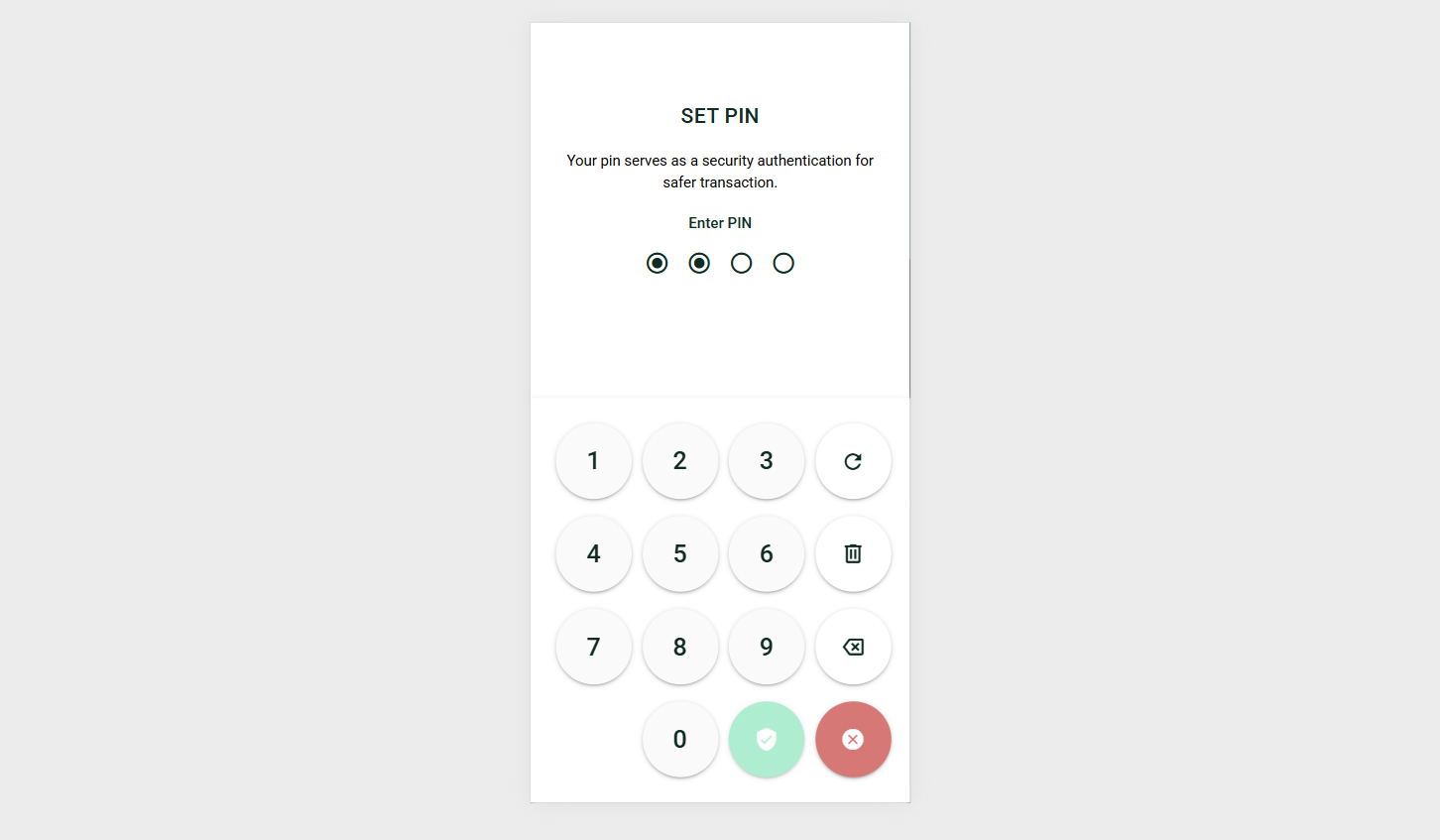
Opens a dialog for setting or updating the security PIN.
PIN Setup Dialog
- Set PIN
Allows the user to create a security PIN. This PIN serves as an authentication step and is required before proceeding with sensitive actions, such as confirming transactions.
Screenshot:
The Settings module is designed to balance usability, transparency, and security, ensuring users can confidently manage both their account and wallet.