
BCH Wallet Setup
The BCH Wallet Setup enables users to gain access to business transaction features within the application using Bitcoin Cash (BCH). Completing the wallet setup is required before any BCH-based operations can be performed in the app.
Wallet Setup Options
Users can choose from the following wallet setup methods:
Screenshot:
Wallet setup options
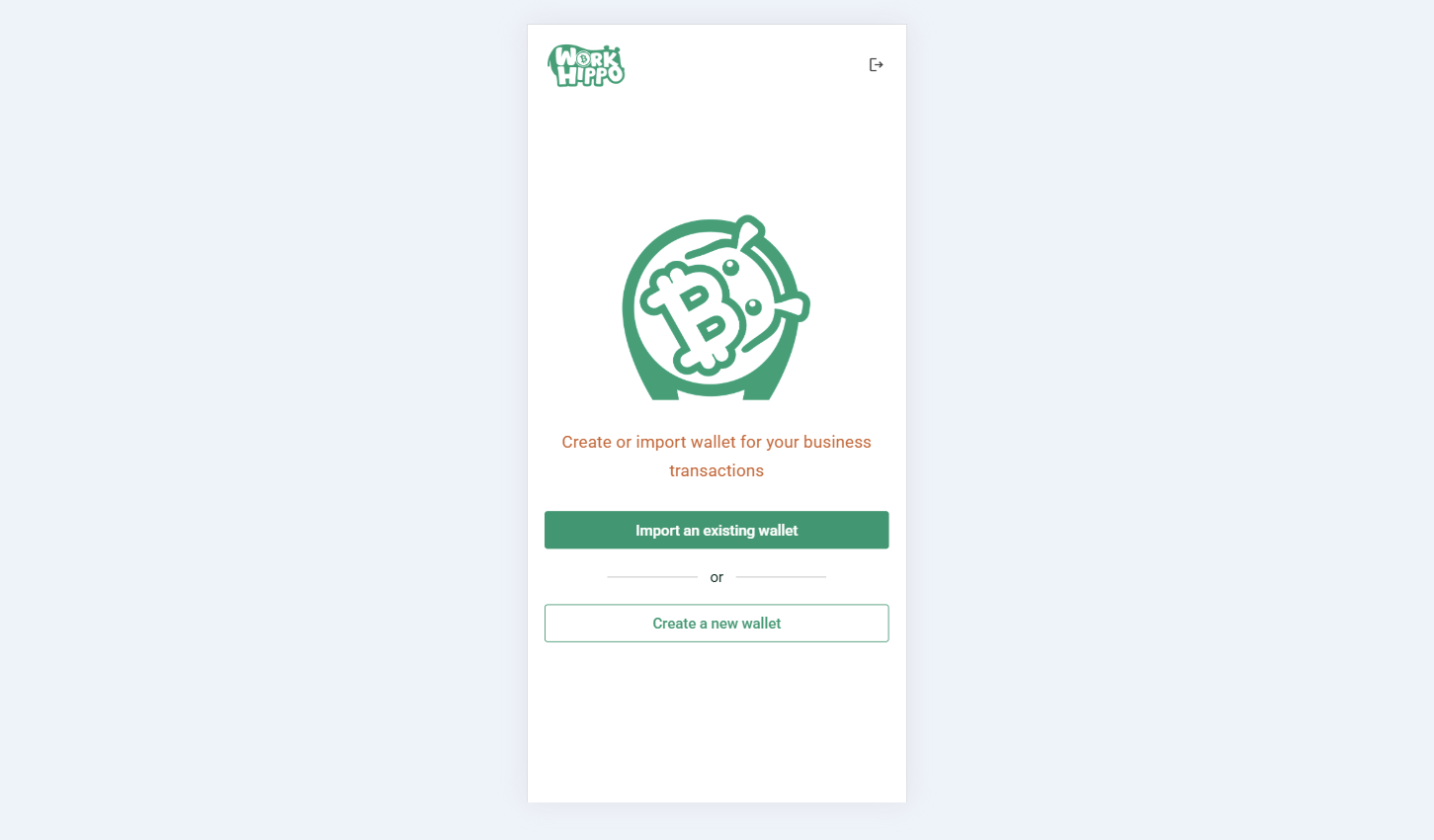
Import Existing BCH Wallet
This option allows users to import an existing BCH wallet into the application.
- Restore a wallet using a mnemonic phrase or seed phrase
- Intended for users who already own a BCH wallet
- Successfully imported wallets will display available balances and addresses for transactions
Screenshot:
Wallet import
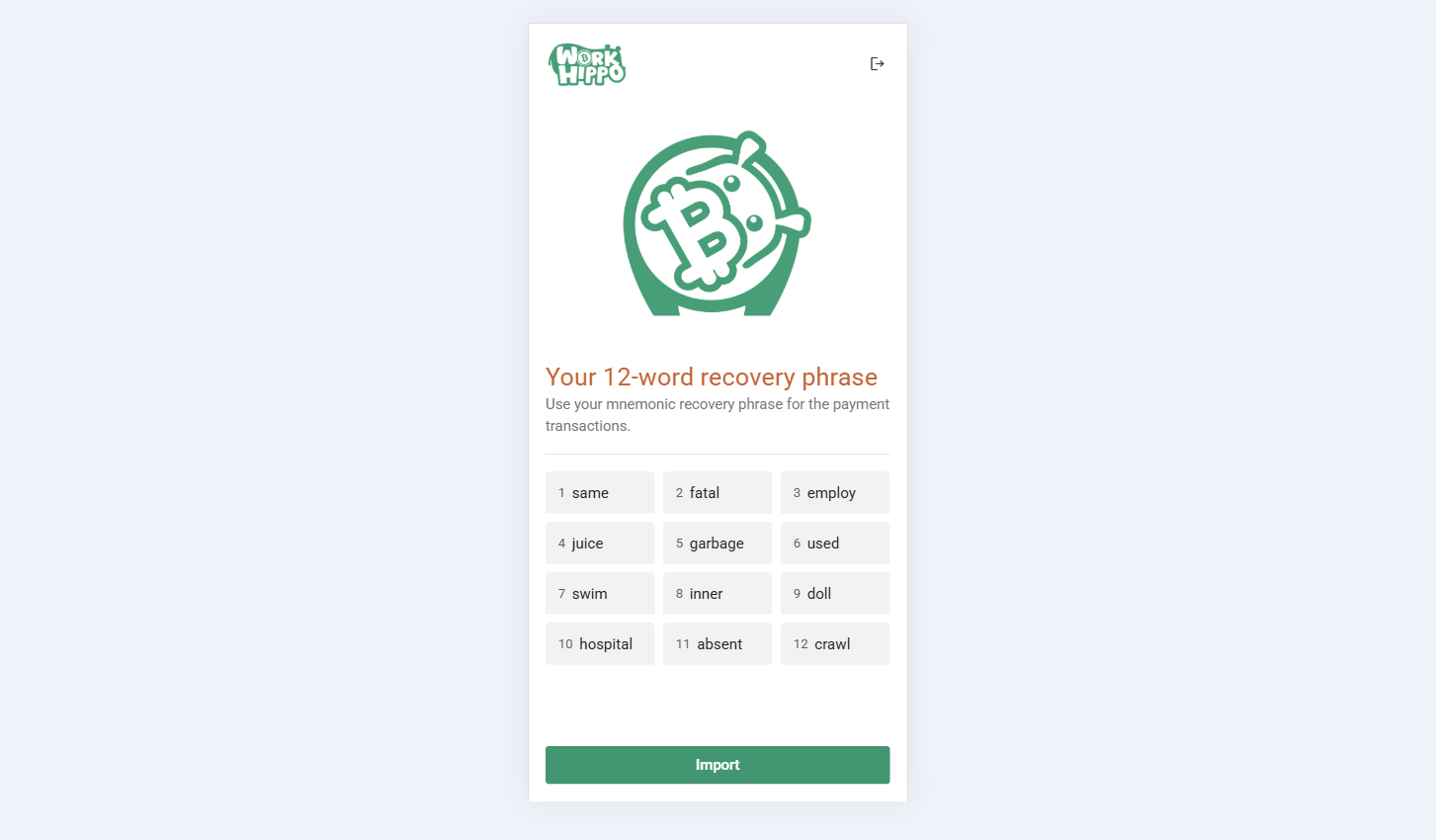
Create New BCH Wallet
This option allows users to create a new BCH wallet directly within the application.
- Generates a new BCH wallet for the user
- Provides a unique mnemonic or seed phrase that must be securely saved
- Recommended for users without an existing BCH wallet
Screenshots:
New generated mnemonic
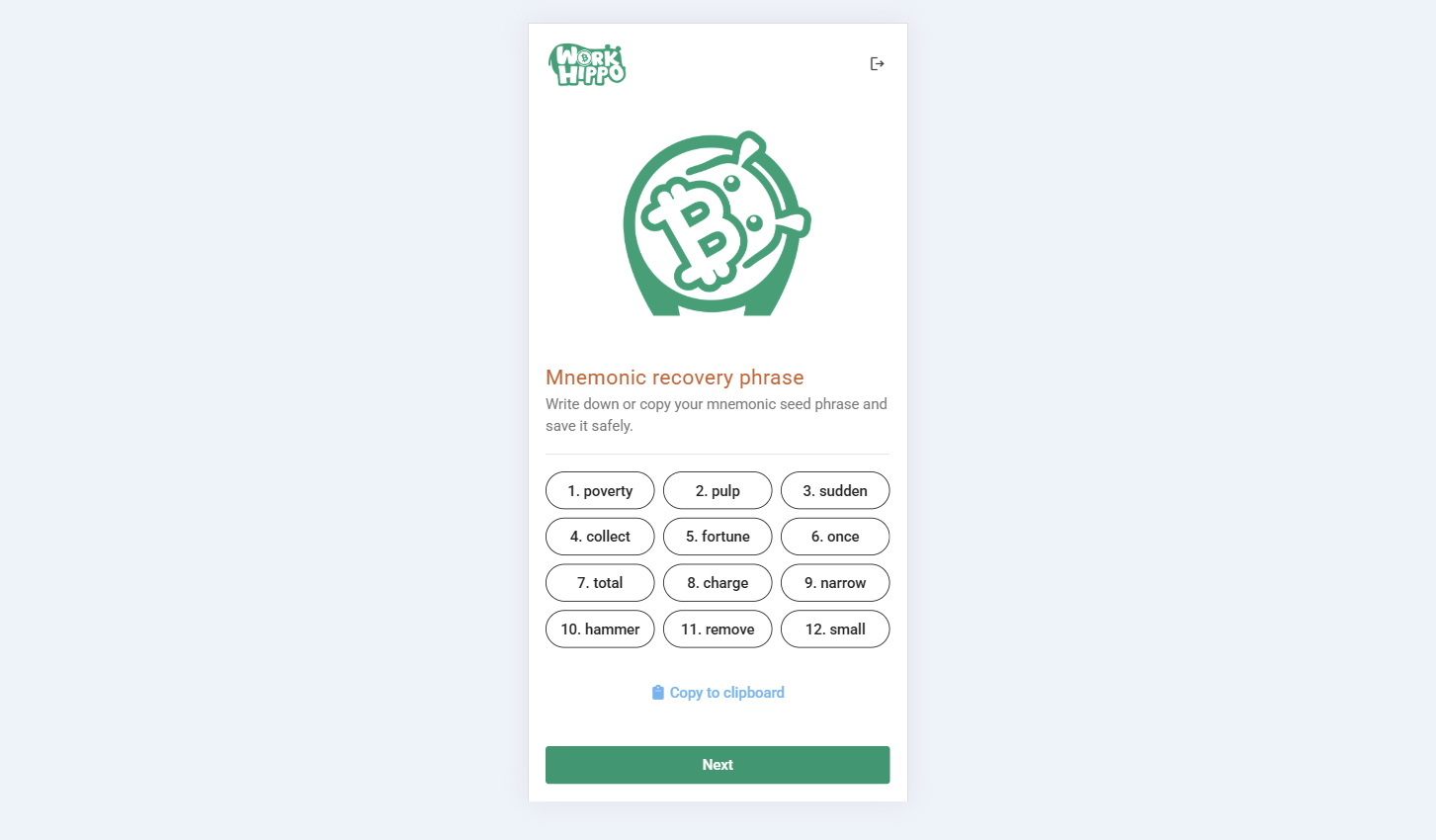
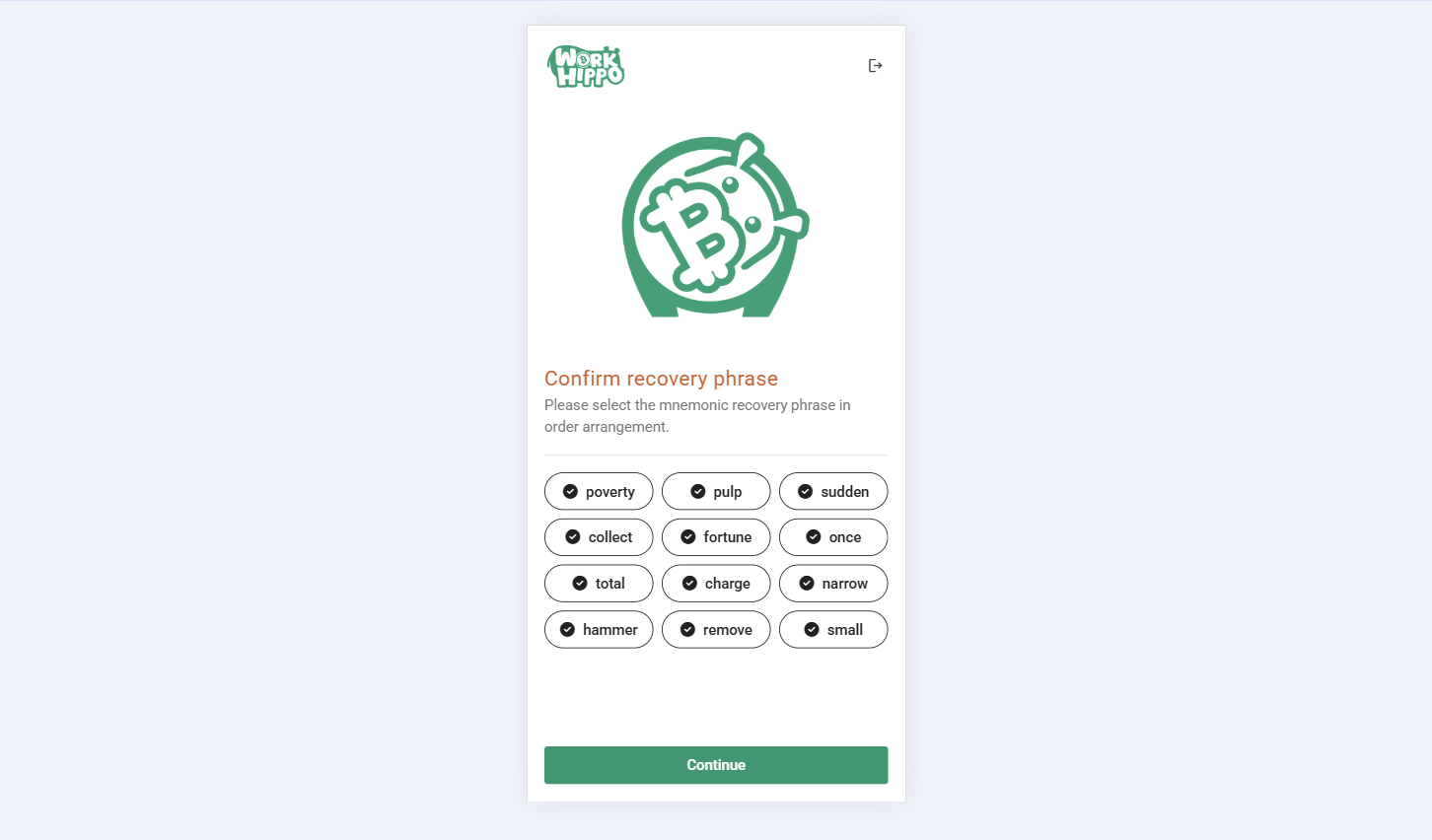
Confirmation of generated mnemonic
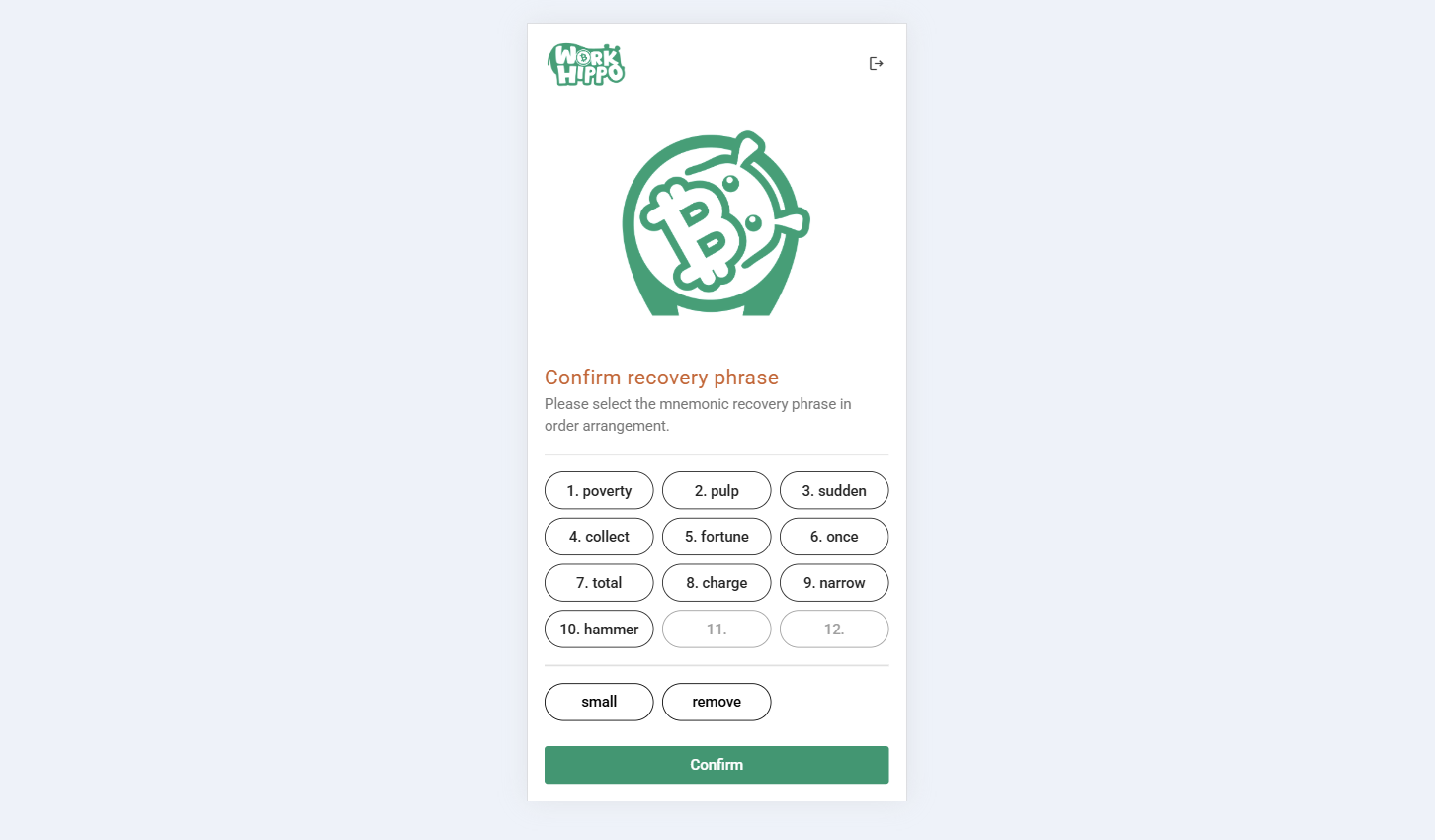
Confirmation success
Access to Application Features
After successfully completing the wallet setup—either by importing an existing wallet or creating a new one—the user gains access to all application features that require BCH, including business and financial transactions.